You need visuals for your next campaign, a video for LinkedIn, a voiceover for your product walkthrough. And you have no creative team. No art director, no motion designer. The agency wants a brief, three rounds of feedback and a budget you would rather not spend on a single post.
The good news: AI can produce all of it. Images, video, voice, music. The bad news: most people go about it the wrong way. One tool per format, outputs that look nothing alike from one piece to the next. The result is a brand nobody can read and a stack of subscriptions you keep paying for.
Here is the method that actually works: what AI can genuinely produce for your brand, the three traps that ruin the result, and how to set yourself up so every piece looks like you.
What AI can produce for your brand today
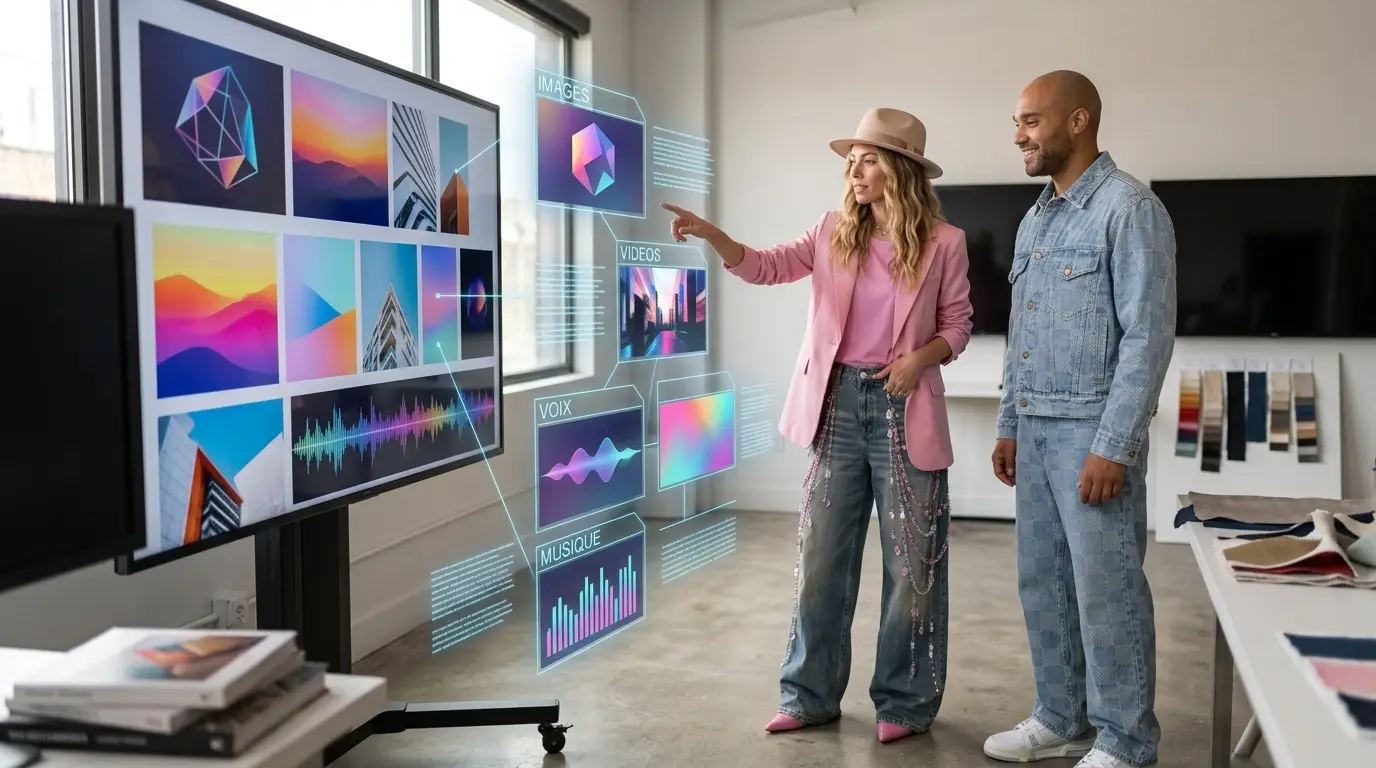
Start with the concrete. AI generates images at a professional level: post visuals, article illustrations, product mockups, variations on a single concept for a campaign. It also produces short-form video, the format that performs on LinkedIn, TikTok and Instagram.
On the audio side, you can generate voiceovers for your videos and music to score your content. Some models even create 3D objects for your product shots. In short, everything a small creative team would deliver, you can produce yourself.
On one condition: you do it with a method. Generating on instinct, tool by tool, prompt by prompt, gives you a patchwork. And a patchwork is not a brand.
Trap 1: the visual inconsistency that makes your brand unreadable
The first trap is the most visible. Every generation comes out in a different style: a flat-design visual on Monday, a hyperrealistic photo on Tuesday. Taken one at a time, they look great. Lined up on your feed or your site, they say nothing coherent. Nobody recognises your brand.
The fix: write a prompt charter before you generate anything. One paragraph that describes your visual world, your exact colours with their hex codes, the photo or illustration style, the lighting, the mood. That paragraph becomes the base of every prompt. You never rewrite it, you paste it.
Second habit: keep your best generations as references. Most models accept an image as input. You hand them a visual you have already approved, and they produce variations in the same style. That is how you build an identity that holds over time.
Trap 2: one subscription per format, and you stop producing
The second trap: you take one tool for images, another for video, a third for voice. Each with its own subscription, its own interface, its own settings, its own learning curve. You end up spending more time juggling tools than producing.
The other problem is how fast the models move. Today's best video model will not stay on top for long. If your subscription is tied to a single model, you get stuck on outdated tech, or you keep switching tools and starting from scratch every time.
The right way to choose: one tool wired into the best models on the market. You keep your method, your charter and your prompts. And you only have one tool to master.
Trap 3: text baked into generated images
The third trap ruins a huge number of visuals: asking AI to write text inside the image. Warped slogans, invented letters, mangled accents, words cut off at random. Models are getting better at this, but the result is still a gamble, especially in languages that use accents.
The rule is simple: image on one side, text on the other. You generate your visual with no text at all, then you lay your headline or hook over it in a layout tool. You keep your brand typeface, your accents, and you can fix a typo without regenerating everything.
Bonus: this separation lets you produce variations. One visual, four different hooks to test what converts. Impossible if the text is baked into the image.
The right approach: one charter, references, a single tool
The method comes down to four building blocks: a prompt charter written once and for all, reference images you reuse, text added after generation, and a single tool that reaches the best models. With that, you produce consistent brand content with no creative team.
That is exactly why we built Story Studio at the AI x Leaders Lab. One tool, wired into the best models on the market, to create images, video, voice, music and 3D. It is the universal MCP for creating with AI: you connect it once and produce everything from the same place.
You start for free, then move to the Creator or Pro plans as your output grows. You keep your charter, your references and your prompts on hand, and you apply them to every creation. Your brand stays recognisable, piece after piece.
Frequently asked questions
Which AI tool should you choose to create brand content?
The main criterion: a tool wired into several models rather than one subscription per format. Story Studio covers images, video, voice, music and 3D from a single place, with a free plan to get started.
How do you keep a consistent visual identity with AI?
Write a prompt charter: exact colours, style, lighting, mood. Paste that base into every prompt, and reuse your best generations as reference images to produce variations in the same style.
Can you put text inside an AI-generated image?
Better not to. Models still warp letters and accents, especially in languages that use them. Generate the visual with no text, then add your headline afterwards in a layout tool, with your brand typeface.
Do you still need a creative team to use AI?
Not to produce. But someone has to set the artistic direction and sign off on what comes out. A leader or a marketer with a good prompt charter is more than enough to get started.
One tool to create your brand images, video, voice and music. Story Studio is free to get started.
Try Story Studio →